Breeze for Android · Beta
Browse freely.
Ask along the way.
A fast browser for your phone. Search with Spectra by default, or switch to Aero when you want help with the page in front of you.
Free beta · Android 10+ · ARM64 · No account needed
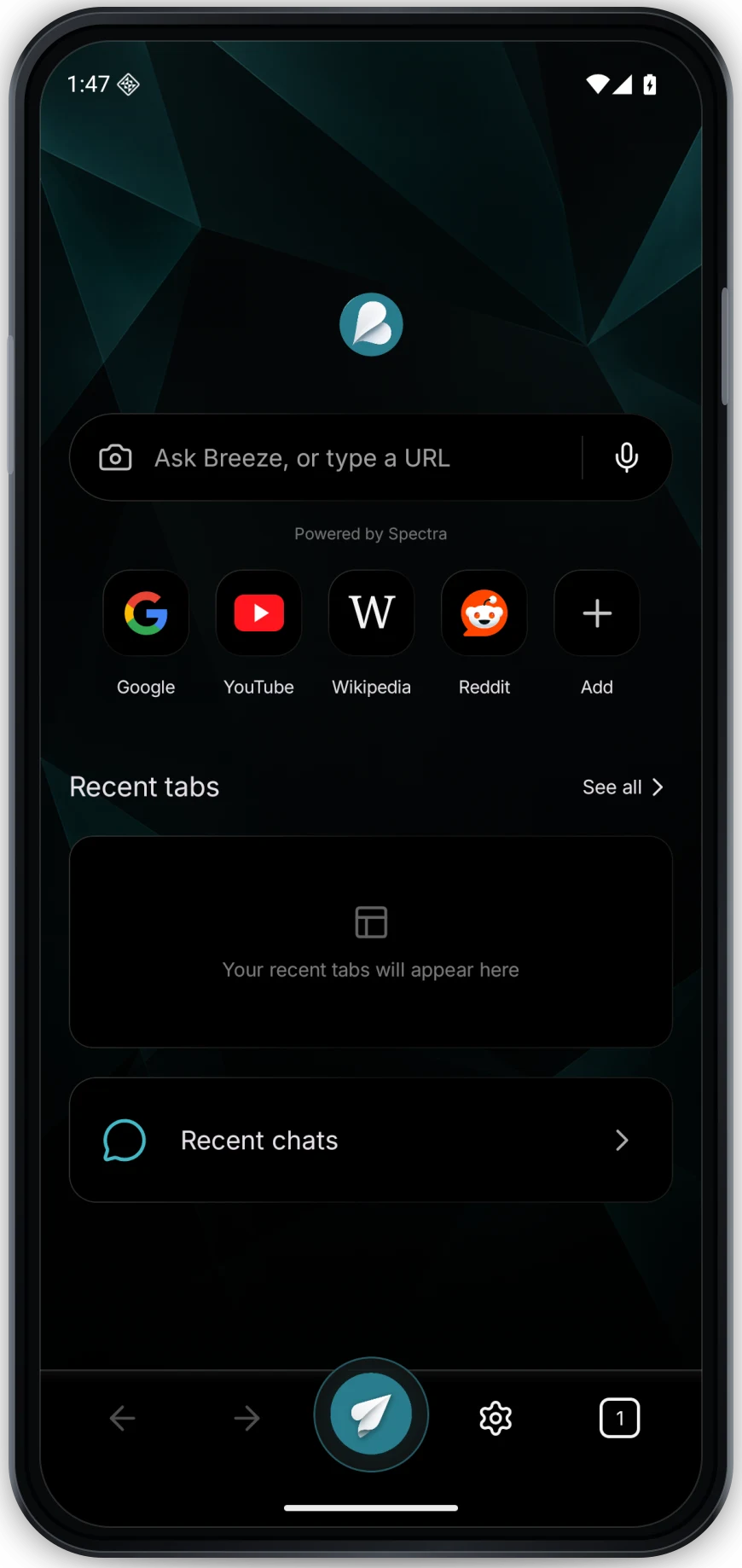
Real Breeze Android screen
The browser, rethought for a smaller screen
Everything you need to keep going.
The web stays front and center. Aero is there when a page deserves a second look.
Meet Aero
Curiosity has a shortcut.
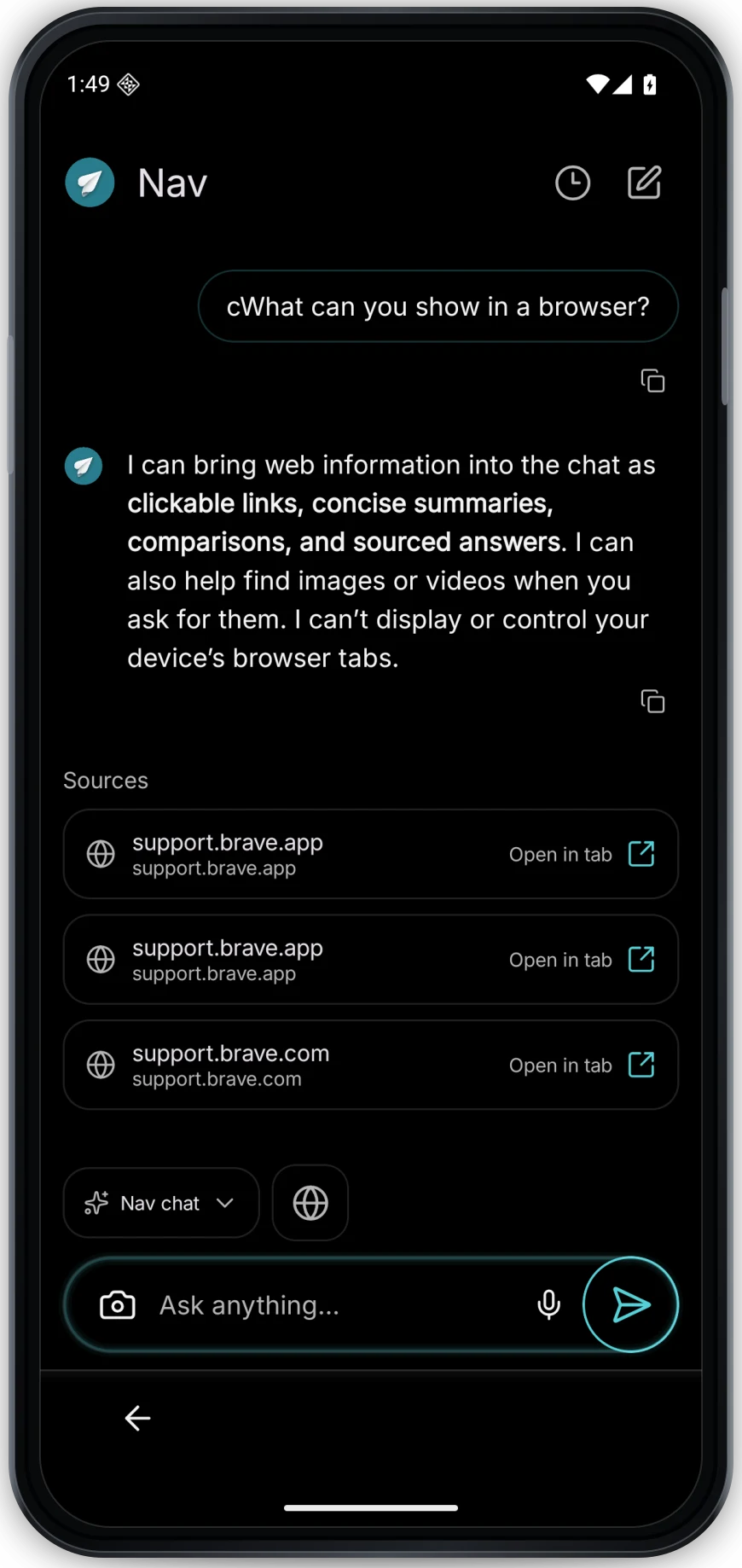
Open Aero over the page you’re on, ask what you’re reading, or start a fresh chat. Research gives you a sourced answer you can follow back to the web.
- Ask about the active tab without losing your place.
- Open cited links straight into a tab.
- Use voice, attach an image, or run a quick tool from chat.
Real browsing
Pages feel like pages.
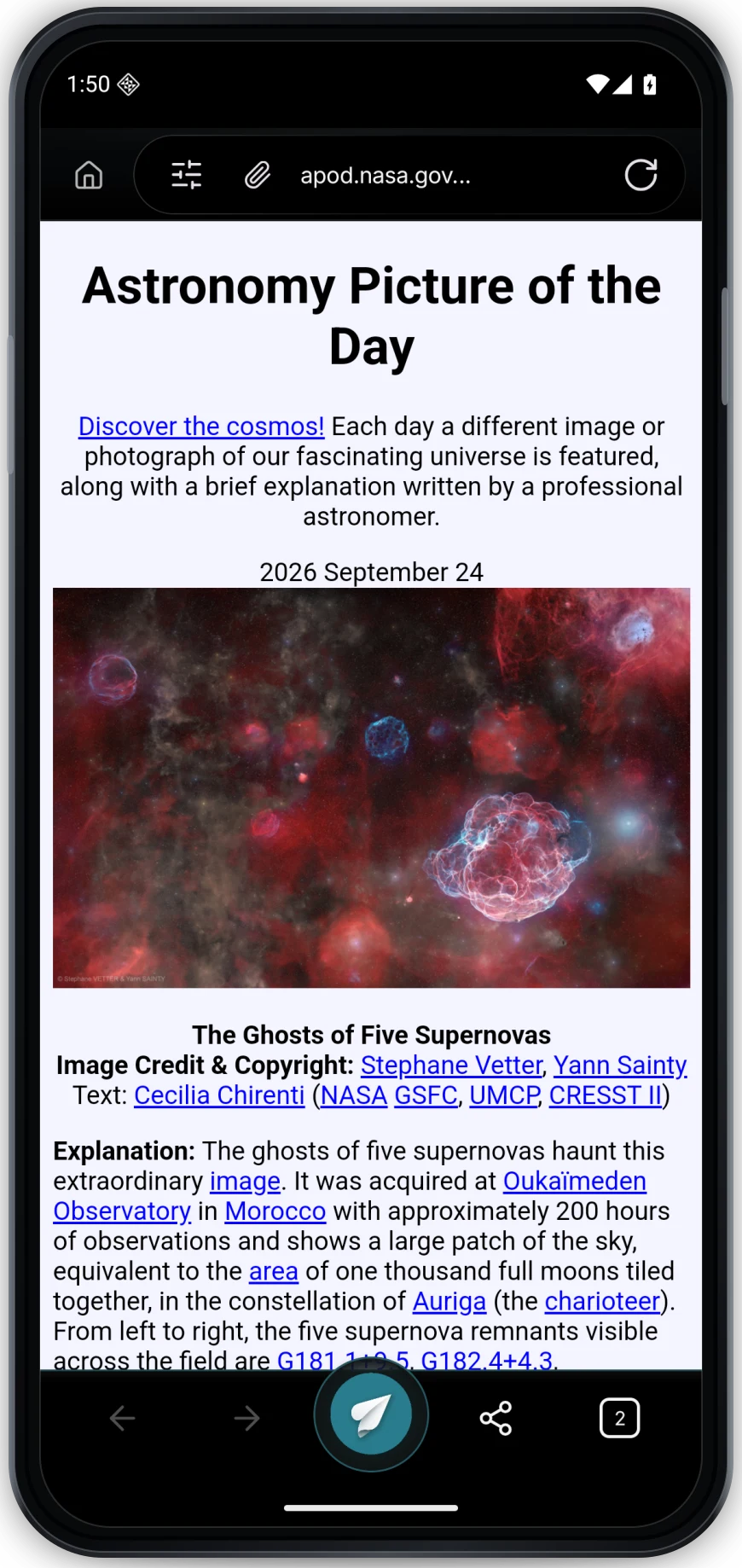
Breeze uses Android’s Chromium WebView for responsive sites and smooth scrolling. The top and bottom controls step out of the way as you read.
- Search is the default; the Search / Ask choice is centered above the input and remembers your selection.
- The address bar searches with Spectra or opens a URL. Tap Aero to start a chat; choosing the camera switches the input to Ask.
- Keep bookmarks, favorites, and downloads close.
- Import bookmark HTML and password CSV exports from another browser.
- Use per-site protection controls when a page needs them.
Privacy with clear choices
Your browsing belongs on your phone.
Tabs, history, bookmarks, and chats stay on this device unless you sign in and turn on their individual sync options. Every sync option starts off, and the password vault always stays local. Aero uses Breeze Cloud when you ask for help. Update checks fetch a small public version manifest from GitHub without sending your browsing data or account ID; GitHub receives standard connection metadata.
Browse without signing in. Choose separately whether bookmarks, tabs, history, chats, or reminders sync.
Browse privately, manage site data, and choose protection settings for a site.
Set reminders in chat. Android can alert locally; account sync and push alerts are optional.
Install the beta
Three quick steps. Then browse.
Download the APK
Get the signed Android package from the button on this page.
Allow this install
If Android asks, allow your browser to install this one app.
Open Breeze
Choose Breeze as your default browser in Android settings if you want links to open here.
Good to know
Before you download.
Is this a Google Play app?
This is a signed beta APK downloaded directly from Breeze. Google Play distribution is planned after the required testing period.
Can I bring data from another browser?
Yes. In Settings, import a standard bookmarks HTML export. In Password Vault, import a password CSV export after device authentication. Android does not let Breeze read another browser’s private data directly. Delete the unencrypted CSV after import.
Do I need a Breeze account?
No. Browsing and Aero work without one. If you sign in, each sync category starts off and can be enabled separately. Saved website passwords always stay on your device.
What gets sent to Aero?
Your prompt and the page context you attach go to Breeze Cloud to answer. Images are sent only when you submit them. If you use voice input, the recording is sent for transcription. Chat sync is separate, optional, and off by default.
How do Android updates work?
Breeze checks GitHub for the public signed-release manifest each time the app starts. If offline, it uses the last successful check. If a newer version is available, Breeze offers its APK; Android still asks you to confirm the installation. It never installs silently, and Play Store updates are not enabled for this beta. Installing a signed update preserves your local Breeze data.
A calmer way through the web
Take Breeze with you.
Browse first. Ask Aero when you want more.
Download Breeze for AndroidSigned beta APK · Version 0.1.30 · Android 10+ on ARM64